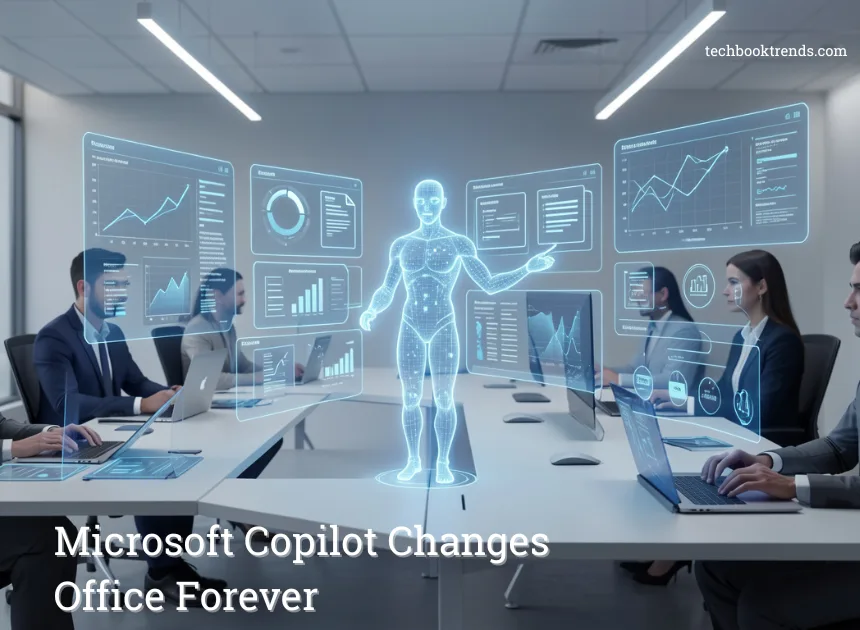
Microsoft 365’s Copilot Cowork: The AI Tool That Might Replace Routine Office Tasks
Artificial intelligence is fast changing the way people work. Microsoft 365 Copilot Cowork is transforming the way modern workplaces are going by making artificial intelligence a digital teammate. Professionals do not have to take hours to write emails, summarize meetings, or organize documents. Robotic tools are now able to cope with numerous repetitive jobs through AI. The functionality of Copilot in Microsoft 365, as early Copilot-powered and Copilot-native, reveals the potential of AI in the automation of routine work. These applications are assisting corporations in cutting the time that was spent on manual processes. Rather, the teams are able to concentrate on strategy, creativity, and making smarter decisions.
What is Microsoft 365 Copilot Cowork?
Microsoft 365 Copilot Cowork is defined as AI-powered assistance as part of the productivity environment of Microsoft. Copilot does not require any additional software. You may access it with daily programs such as Word, Excel, Outlook, and Teams. The AI examines the context of the documents, emails, and meetings. It then suggests, summarizes, and creates new content on its own. In the case of novices, it serves as an online assistant. It is aware of your workflow and assists in accomplishing tasks in a faster manner.
How Copilot Cowork Works
Copilot works with complex AI models and Microsoft 365 applications. Based on the information in documents, calendars, chats, and files, the system can get an insight into the context of your work. To illustrate, Copilot will be able to summarize the conversation, point out action items, and create a follow-up email once a meeting has recently concluded with the help of Teams. In Excel, it is able to analyze data sets and propose insights or graphs, whereas in word it is able to create drafts, summaries, or amendments.
Important Characteristics that automate office functions.
Copilot cowork is dedicated to the automation of the time-consuming tasks which include:
- Writing messages in Outlook: Drafting and polishing.
- Creation of documents: Creating Word reports or summaries.
- Meeting insights: Generating summaries and action items of meetings in Teams.
- Data analysis: Making sense of complicated Excel information.
- Task structure: Proposals of priorities and follow-ups between apps.
These features minimize the manual labour that was used in routine office tasks.
Real-World Use Cases
Companies are already investigating viable uses of Copilot. Marketing teams are able to create content drafts in seconds, project managers are able to recap meetings and action item tracking, and analysts are able to draw insights out of big data without typing long formulas. AI can save professionals hours per week on repetitive documentation processes.
Productivity and User experience advantages.
The greatest strength of Copilot Cowork is efficiency. Through automation of routine duties, employees would be able to concentrate on strategic thinking, creativity, and decision-making. The cross-over between Microsoft apps also brings a smoother flow of work to the system, as the user does not have to shift between different tools.
Potential Limitations or Concerns.
Although it has benefits, AI automation has its issues. Accuracy can vary based on the data you provide. Companies must maintain strong data privacy and security practices. Relying too much on AI can also reduce critical thinking if users do not review the outputs carefully.
The Future of AI Coworkers
AI assistants such as Copilot mark the transition to AI office automation and smarter offices. Although they might not completely substitute the human worker, they can greatly minimize the routine duties. With the advancement of AI coworker tools, they will most probably become productive collaborators of any modern professional, transforming the way work is done in the digital age.