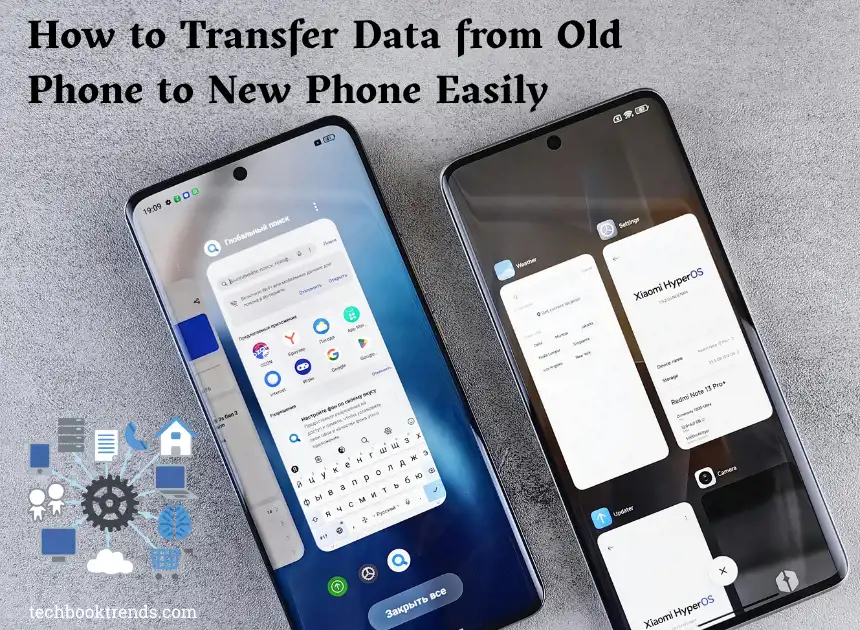
How to Transfer Data from Old Phone to New Phone Easily
After getting a new phone, the major concern is the data in the old phone. As data is everything these days. Many people struggle with transferring data from an old phone to a new one. If you are one of them, then this guide is for you.
This guide is going to help you in step by step method. Here’s what you’ll find:
What Data Can You Transfer?
Before starting, it’s important to know these methods:
Method 1: Transfer Data Using Google Account (Android)
This is one of the simplest methods and is widely used if you are using Android devices (as most of the readers will fall in this category).
Step 1: Backup Your Old Phone
First and foremost, go to Settings on your old phone.
Next, tap on Google > Backup and enable backup.
Step 2: Sign in on the new phone
Next, turn on your new phone and sign in with the same Google account.
Step 3: Restore Data
After that, select the backup file when prompted.
Then, wait for the data to restore automatically.
Method 2: Use Built-in Transfer Apps
Most smartphones come with their own transfer apps.
For Samsung Users
You can use Samsung Smart Switch,
- First, install and open the app on both devices.
- Next, connect the phones (wirelessly or via cable).
- Then, select the data you want to transfer.
- Finally, start the transfer.
For iPhone Users
You can use Move to iOS (for Android to iPhone)
- First, set up your new iPhone.
- Next, choose “Move Data from Android”.
- After this, follow the on-screen instructions,
- Then complete the transfer.
Method 3: Transfer Data Using Bluetooth or File Sharing Apps
Many of the people don’t want to take the backup phone baggage and want a new start by only needing to transfer a few files so If you only need to transfer a few files, this method works well.
- First, enable Bluetooth or Wi-Fi sharing.
- Next, select files on your old phone.
- Then, send them to the new device.
- Finally, accept and save the files
Common Issues Faced by People
Here are some quick solutions:
- If the transfer stops, restart both devices.
- If data is missing – check backup settings.
- If apps don’t restore, reinstall from the Play Store or App Store.
Conclusion
After reading this guide, you will be able to transfer data from your old phone to your new phone by just following these simple steps. The method you choose is completely your will.
So follow this guide and enjoy the data exchange via small steps.